


Apple Watch
Wellbeing Intelligence®, captured from your wrist.
RealifeChange® on Apple Watch makes capture effortless: score the impact of a Moment, name the emotion and move on. The intelligence assembles itself in the background.

Why the wrist
The best wellbeing data is the data people actually record.
Surveys arrive weeks late. Phones get left in bags. The wrist is the only place a person can log a real Moment at the instant it happens — which is exactly what makes the Realifex model factual rather than remembered.
- One-tap Moment capture
- Log what just happened in under five seconds — before the feeling fades and the detail is lost.
- Impact dial
- Turn the Digital Crown to score how strongly a Moment landed, from low impact to high impact.
- Emotion check-in
- Pick the emotion that fits. Every wrist entry feeds the same five-dimension model as the iPhone app.
- Gentle nudges
- Complications and quiet reminders prompt a check-in at the times your own patterns say matter most.
- Path at a glance
- See your wellbeing direction for the week without opening your phone.
- Private by design
- Entries stay yours. Nothing is sold, nothing is shared, and the app remains free.
How it works on the watch
Watch the whole capture flow happen on the wrist.
From raising your wrist to a scored, classified Moment — no typing, no forms, no interruption to the life you were living. This is the interaction that makes continuous wellbeing data possible.
Watch screens
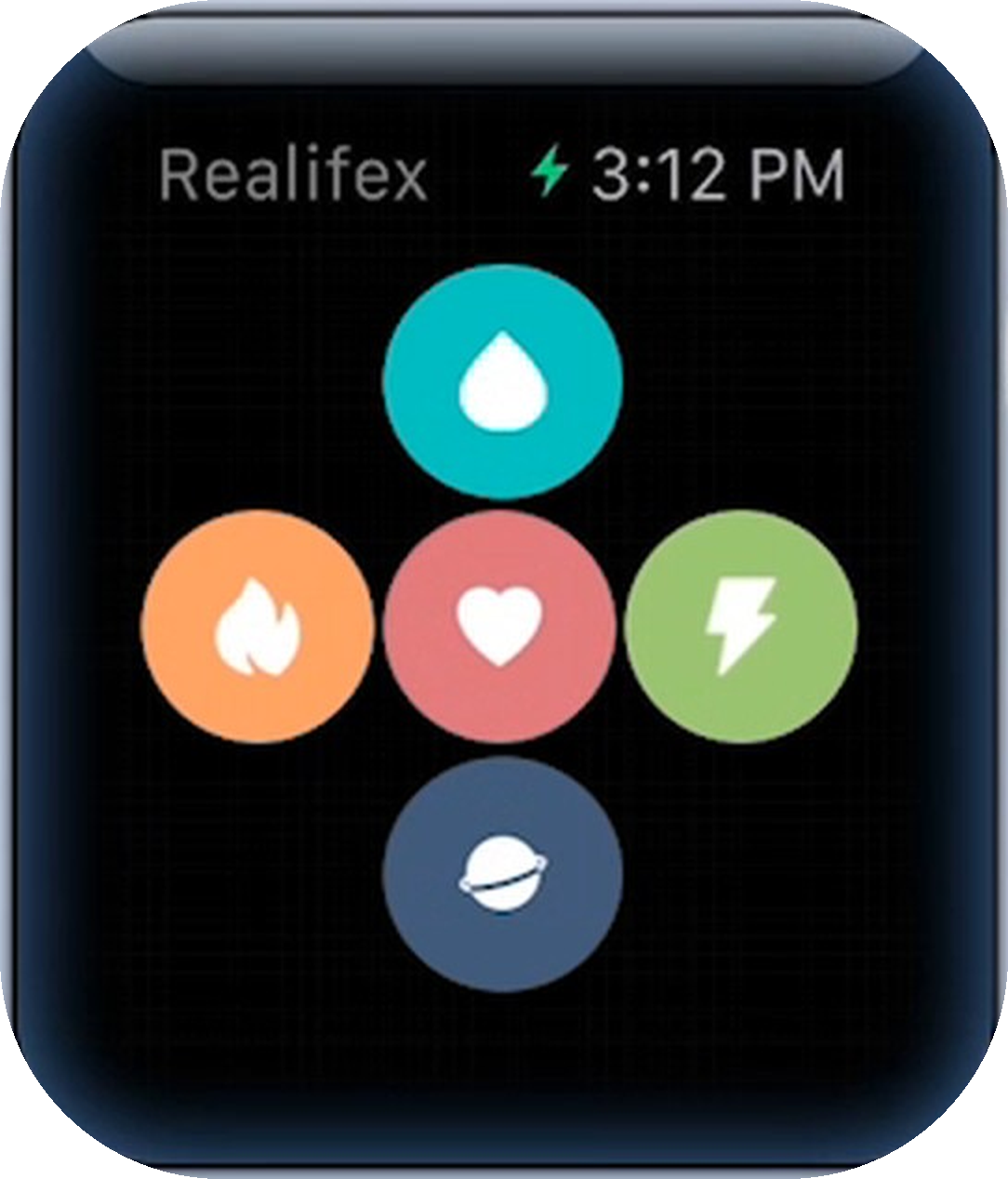
Five taps on the wrist. A complete Moment.
These are the real RealifeChange® screens on Apple Watch — the whole capture flow from category to confirmation, before the phone is ever opened.
 01
01Pick a category
Five dimensions on the watch face — Experience, Action, Emotion, Decision, Discovery. One tap segments the Moment.
 02
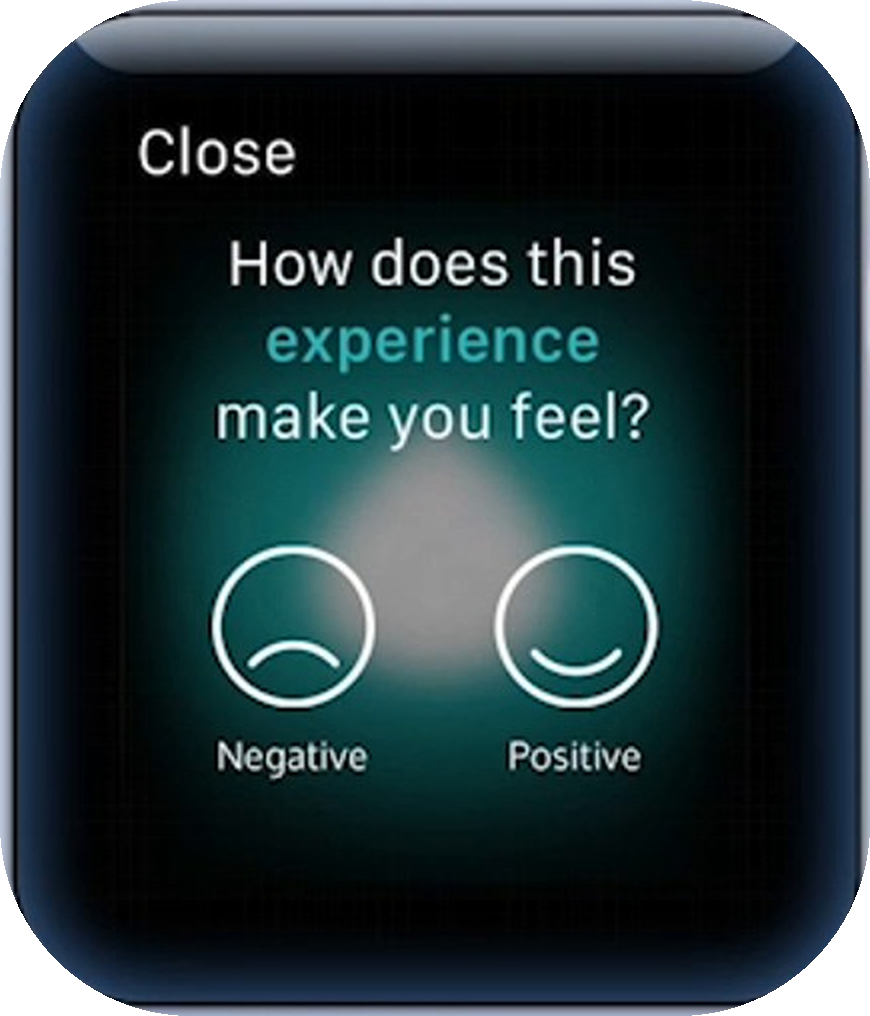
02Name the feeling
Negative or positive. A two-second reflection that anchors the Moment in real emotion.
 03
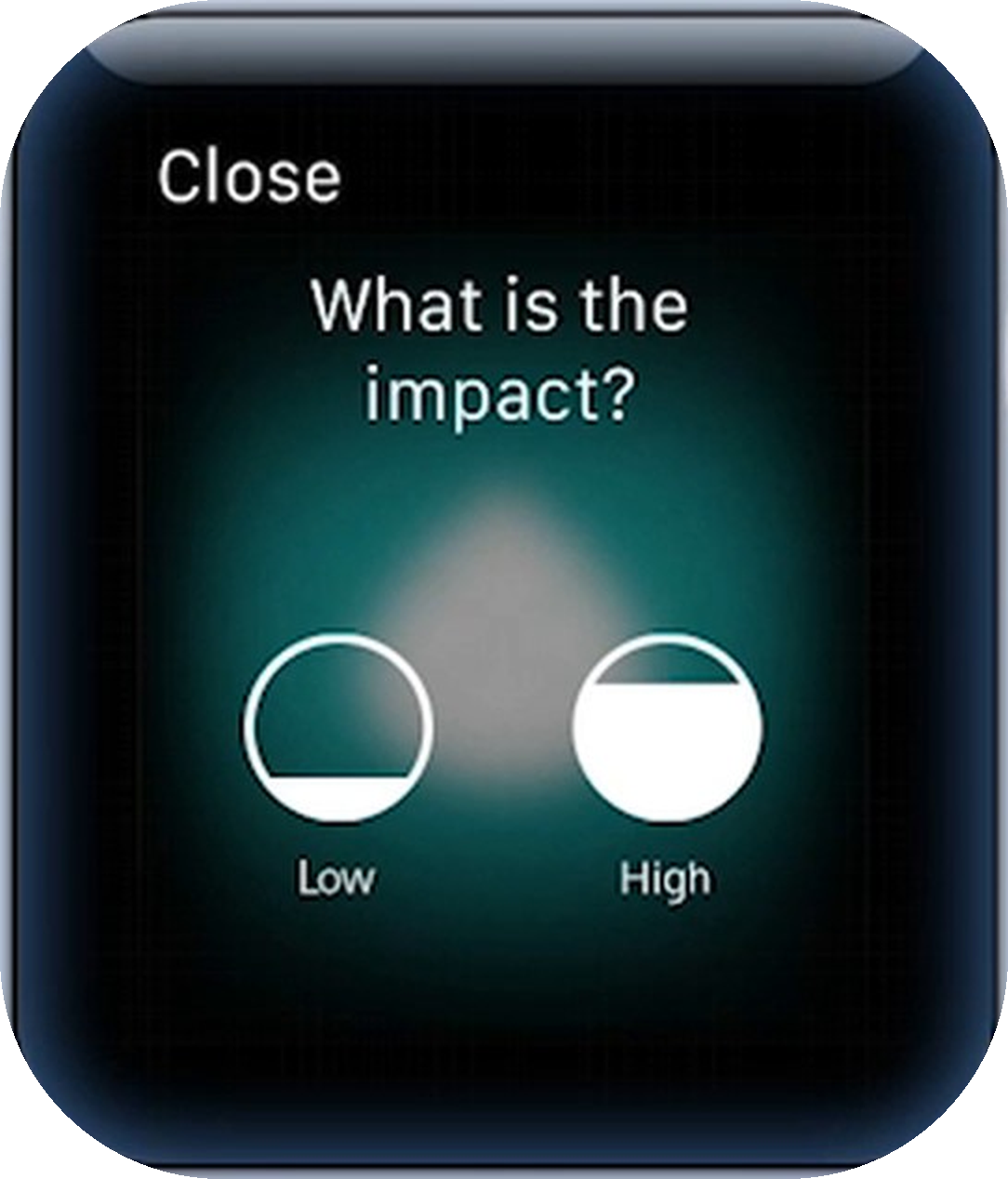
03Score the impact
Low to high, straight from the wrist — the weighting that makes the Wellbeing Matrix meaningful.
 04
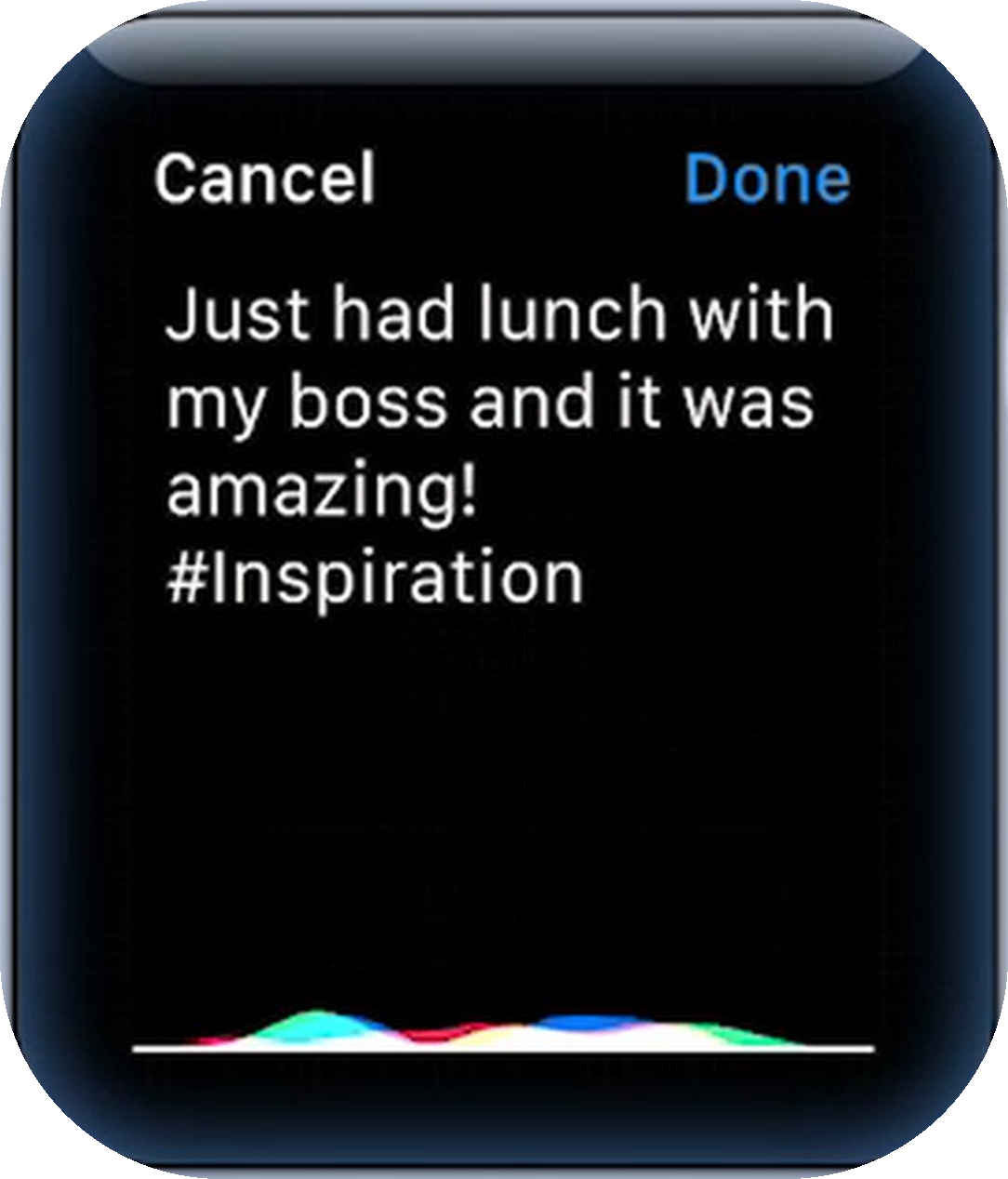
04Dictate a Quick Note
Speak the detail while it's fresh. It lands in your Life Flow on iPhone, ready to expand later.
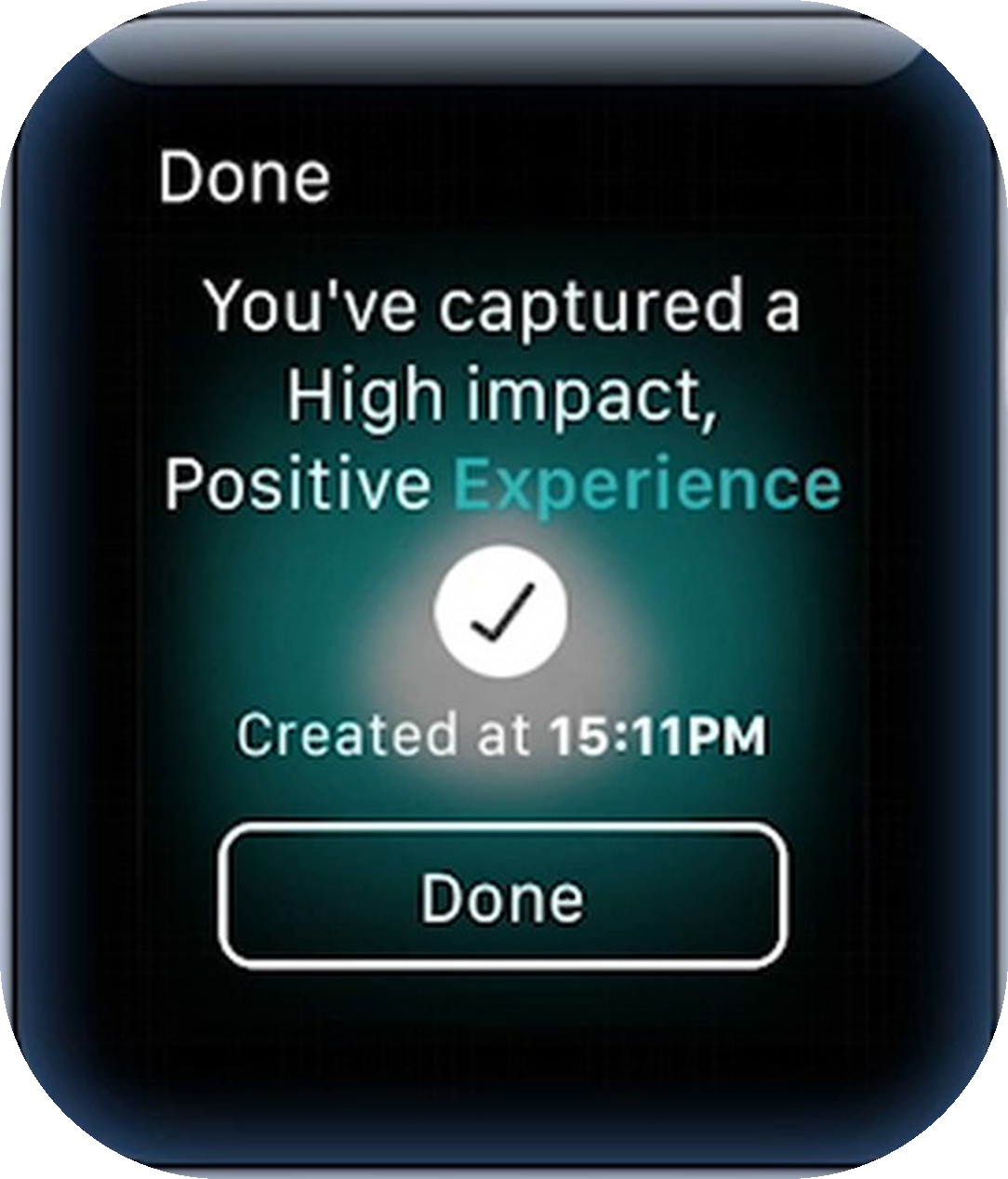 05
05Captured
"A high impact, positive Experience" — logged, timestamped and correlated in seconds.
Next step
Want wrist-level capture inside your own product?
The same Apple Watch capture layer can be delivered for your customers, feeding your dashboards with real-life wellbeing signal.